

How to Submit Accident and/or Health Claim Documents
1 Submission Channels
MTL Click Application
Fast and convenient submission via mobile app.
Customer Service Centers
Available at all branches nationwide.
By Registered Mail
Muang Thai Life Assurance PCL
250 Ratchadaphisek Road, Huai Khwang, Bangkok 10310
2 Required Documents
- Identity Verification:
- Thai Nationals: Original National ID Card
- Foreign Nationals: Passport or Non-Thai Identification Card (Pink Card)
- Supporting Claim Documents
- Injury/Illness Claim Form: Obtain at any Customer Service Center or download online at www.muangthai.co.th ↗
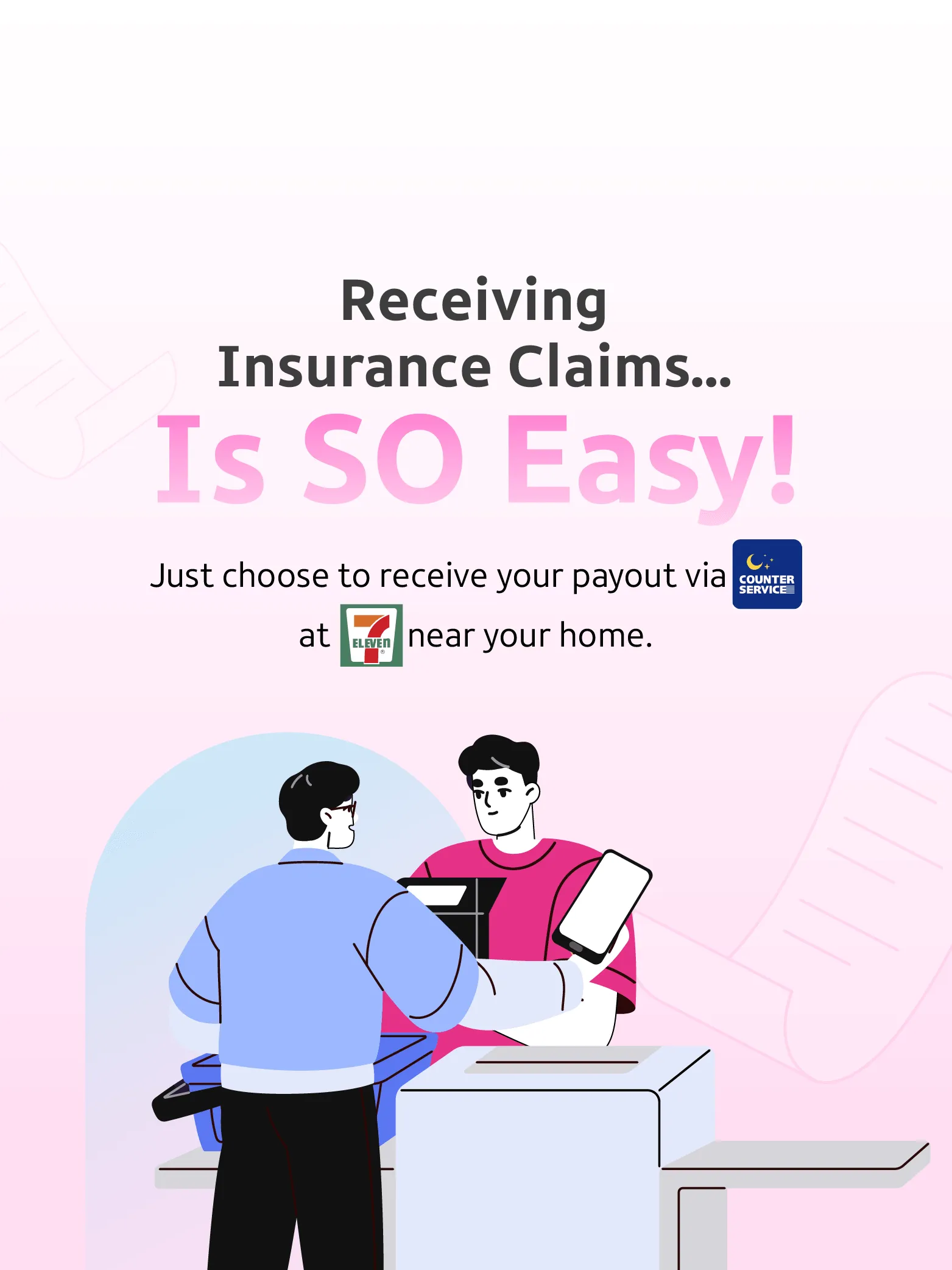
How to Receive Accident and/or Health Insurance Claim Payments at Counter Service
The customer requests
The customer requests to receive the accident and/or health claim
payment and submits the required documents at the Counter Service at
a 7-Eleven store.
- Thai nationals: Original national ID card
- Foreign nationals: Passport or Identification Card for Non-Thai
Nationals (Pink Card)
Enter 11-Digit OTP
Enter the 11-digit One Time Password (OTP) to receive the payment. (The OTP is valid for 5 calendar days from the date the customer receives the SMS.)
OTP Security & Retry Limits
The OTP can be entered incorrectly no more than 3 times (within the 5-day period). If it is entered incorrectly more than 3 times, Muang Thai Life Assurance PCL will send an SMS asking the customer to contact the Call Center at Tel. 1766 to receive the claim payment by cheque instead.
Receive Slip
After the transaction is completed successfully, the customer will receive one payment receipt slip.